
Your download is starting
Nothing happened? Download again Other platforms


Open the file
Double-click the .dmg in your Downloads folder.
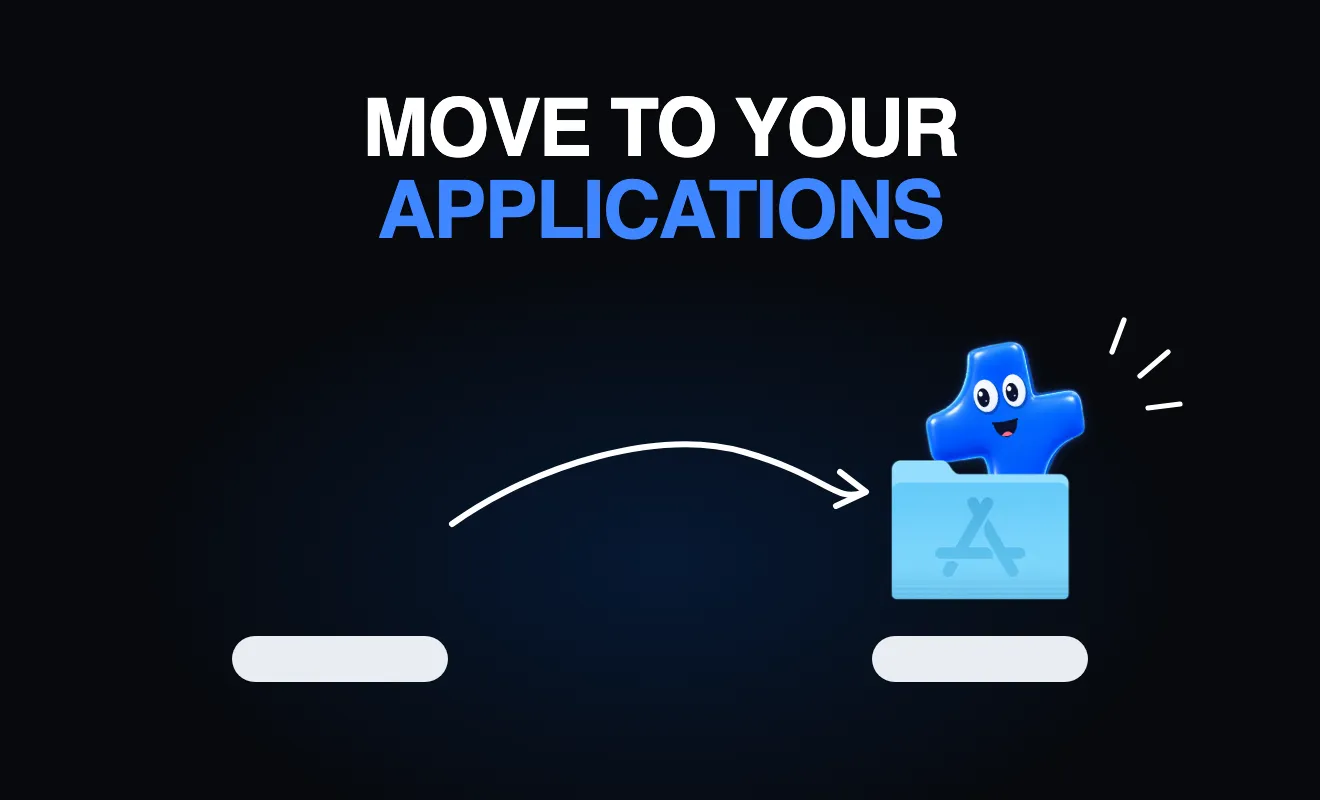
Drag to Applications
Drop Atomic Agent onto the Applications folder, then open it from Launchpad.
Pick a model
Choose a local model sized for your Mac, or plug in a cloud key. The app downloads it for you.
Run the installer
Open the Atomic Agent setup file from your Downloads folder.
Follow the setup
It installs for your user only. A desktop shortcut appears when it is done.
Pick a model
Choose a local model sized for your PC, or plug in a cloud key. The app downloads it for you.
Make it runnable
Run chmod +x on the AppImage, or install the .deb with your package manager.
Open it
Double-click the AppImage, or find Atomic Agent in your app menu.
Pick a model
Choose a local model sized for your machine, or plug in a cloud key. The app downloads it for you.
Say hi to the people building with it.